Use cases · for article assistants and staff accountants who post bank entries for many clients
Import a bank statement into Tally Prime without typing
Last updated 1 November 2026 · by Venu Gopal Reddy Muvva, founder
CABookkeeper reads the bank statement you download from net-banking (PDF, Excel or CSV), checks every line against the running balance, suggests a ledger for each line and gives you a Tally XML file to import. Corrections are remembered for that client, so next month most lines map themselves. Tally stays your ledger; nothing is posted until you approve it.
Steps in CABookkeeper
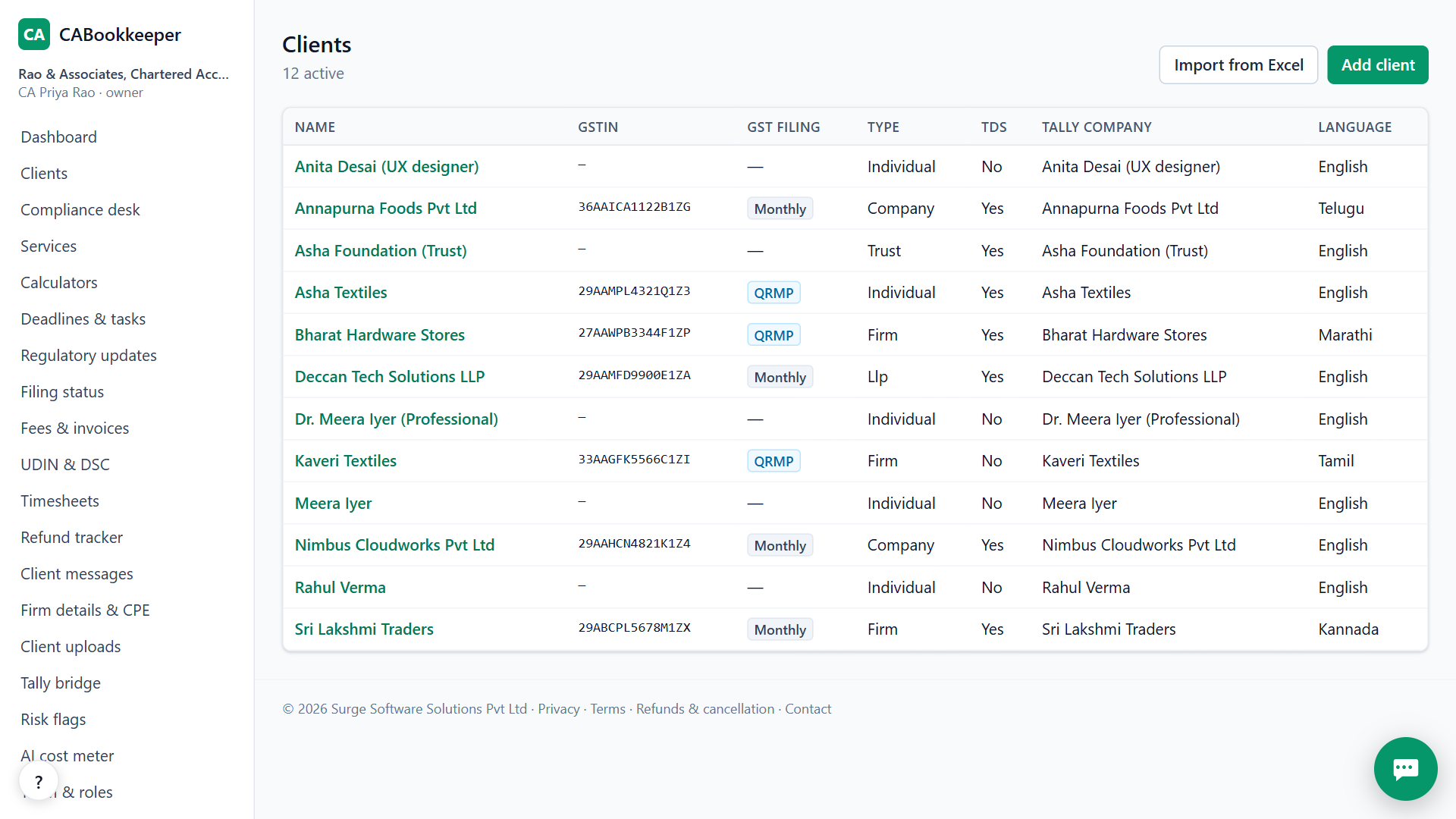
1. Add the client and its bank account
Open Clients → Add client. Type the name, GSTIN or PAN, and the bank name, account number and the ledger name the bank has in Tally.
2. Upload the statement
Open the client → Bank tab and upload the file you downloaded from net-banking. Every row is checked against the running balance, so a missing or misread line shows up at once.
3. Approve the suggested ledgers
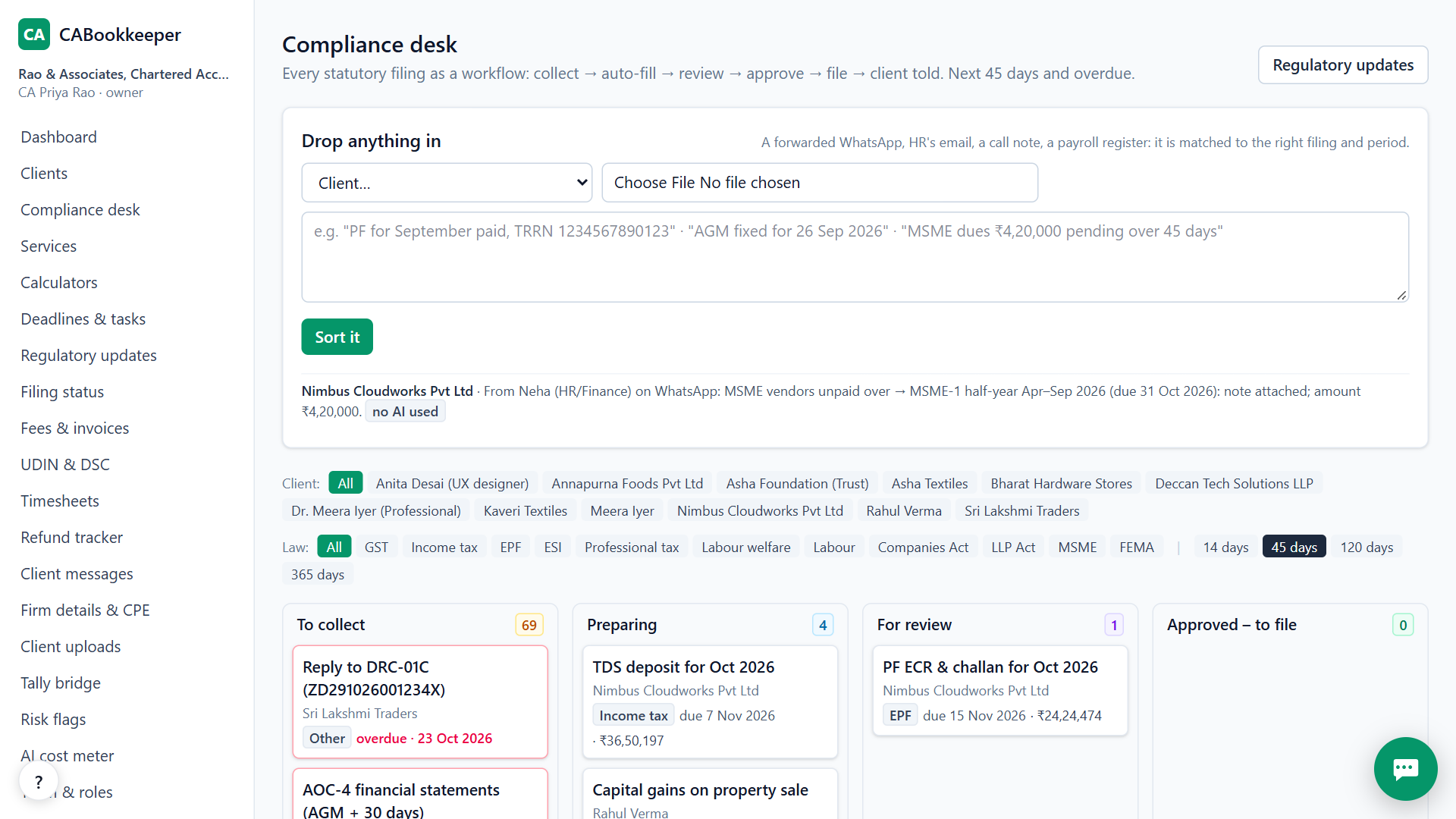
Each line gets a ledger from, in order: rules learned for this client, Indian narration patterns (UPI, NEFT, GST and TDS payments, salaries), party names, and finally AI, which must pick a ledger that exists. Approve confident lines in one click and correct the rest once.
4. Import into Tally Prime
On the Tally tab download masters.xml (new ledgers) and vouchers.xml (approved vouchers). In Tally Prime use Gateway of Tally → Import → Masters, then Vouchers.
Which banks and formats work
Statement layouts from HDFC (PDF), ICICI (Excel) and SBI (CSV) are tested; other banks are read by detecting the date, narration, debit, credit and balance columns. Text PDFs are read without AI.
Scanned, image-only statements are not available yet. If your PDF is a picture of a page, download the Excel or CSV version from net-banking instead.
Why the balance check matters
A statement read with one line missing still looks fine until the month's closing balance doesn't tie in Tally. CABookkeeper recomputes the balance after every line and stops you at the first line that doesn't match, before anything reaches Tally.
When CABookkeeper is not the right tool
If your client keeps its books in Zoho Books or Busy rather than Tally, CABookkeeper can't export to those yet. It also doesn't create inventory (stock item) vouchers; purchase and sales vouchers are in accounting-invoice mode.
Questions
Does it post straight into Tally?
Today you import the XML file in Tally. A small desktop bridge that posts to Tally's port 9000 is in pilot; ask us before relying on it.
What if a ledger doesn't exist in Tally yet?
It is created in masters.xml, which you import before vouchers.xml, so the vouchers never fail on a missing ledger.
Does every line need AI?
No. Learned rules, narration patterns and party matching handle most lines; AI is used only for what is left, and only on our own server first.
Try it on your own clients.
Free for your first 3 months. Then pay only for what you use, at our cost.
Start free — 3 months on usRelated: GSTR-2B reconciliation · TDS and 26Q working · CABookkeeper vs Suvit / TaxOne · Pricing