Use cases · for cas answering gst and income-tax notices for clients
Draft a reply to a GST or income-tax notice
Last updated 1 November 2026 · by Venu Gopal Reddy Muvva, founder
Paste the notice text on the client's Notices tab and CABookkeeper reads the notice type, reference, amounts and reply-by date, pulls the client's own GSTR-2B vs books figures, and drafts a reply marked for CA review. A task is added for the reply date. It drafts; it never files.
Steps in CABookkeeper
1. Paste the notice
Open the client → Notices and paste the notice text. Supported types include DRC-01C, DRC-01B, DRC-01A, DRC-01, ASMT-10, REG-17, REG-03, 139(9), 143(1)(a), 143(2), 148/148A, 142(1) and 245.
2. Check the facts it used
The draft lists the figures it relied on, such as ITC as per books, ITC as per 2B and ITC not supported by 2B. Every rupee figure must survive the AI's rewrite, or the plain template is kept.
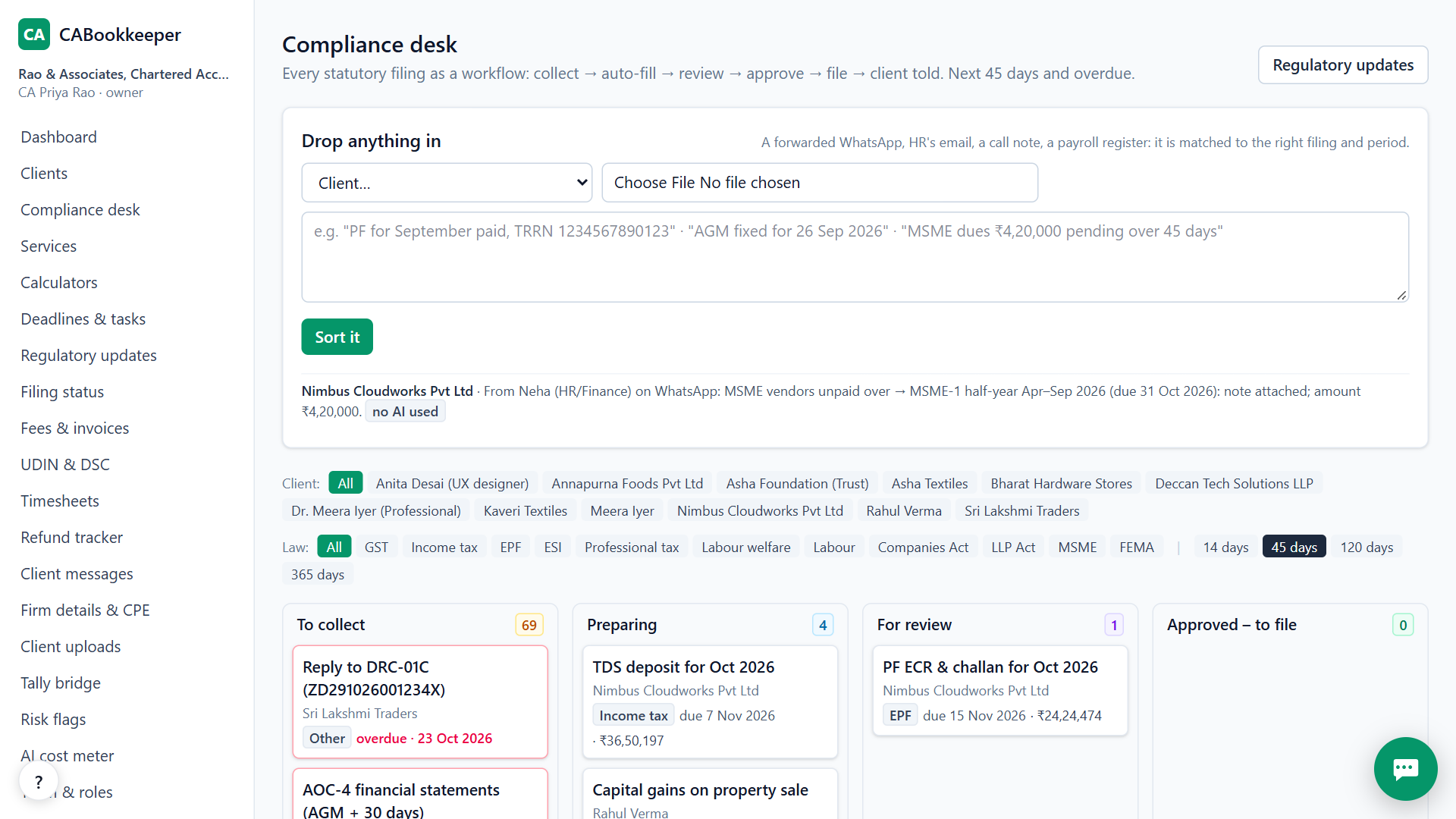
3. Edit and save
Edit the draft, save it, and a task appears for the reply-by date.
4. Reply on the portal
Sign and file the reply on the GST or income-tax portal yourself.
Why the figures matter
Most GST notices on ITC come down to the difference between GSTR-2B and the books. Because CABookkeeper already did that reconciliation, the reply starts from the client's real numbers instead of a blank page.
Keep the reply date in sight
When the notice states a reply-by date, CABookkeeper adds a task for it on the client's calendar, so the reply shows on the dashboard and in the reminder emails 3 days before. If you need more time, apply for an extension on the portal and update the task date.
When CABookkeeper is not the right tool
It is not legal advice and doesn't replace your judgement; complex appeals and litigation need your own drafting. It doesn't file replies on any portal.
Questions
Does the AI see the whole notice?
The first 6,000 characters, on our own server first. The template draft works without AI.
Can I reuse a reply?
Saved drafts stay on the client's Notices tab.
Is it in Indian languages?
No, English only today.
Try it on your own clients.
Free for your first 3 months. Then pay only for what you use, at our cost.
Start free — 3 months on usRelated: GSTR-2B reconciliation · ITR form and due date · CABookkeeper vs Suvit / TaxOne · Pricing