Use cases · for cas filing income-tax returns for salaried people, freelancers, nris and families
Pick the right ITR form and due date for every client
Last updated 1 November 2026 · by Venu Gopal Reddy Muvva, founder
Fill a short taxpayer profile on a client's Advisor tab and CABookkeeper shows the ITR form (ITR-1 to ITR-7) with the reason a simpler form doesn't fit, the due date, whether a tax audit or presumptive taxation applies, warnings such as Schedule FA or crypto, and the services to start in one click. The ITR computation then compares both tax regimes.
Steps in CABookkeeper
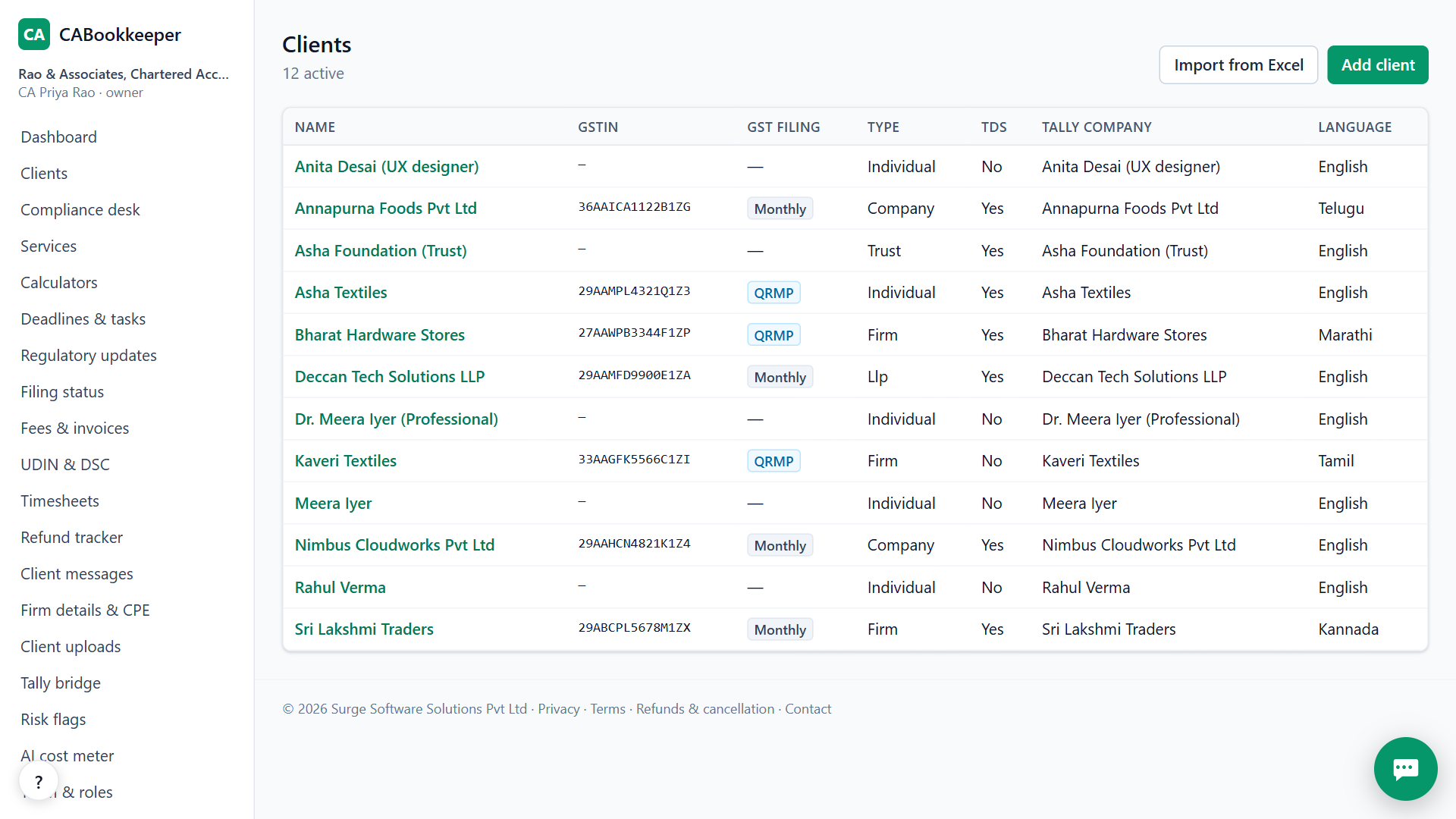
1. Add the client
Add an individual, HUF, firm, company or trust; individuals can be salaried, pensioners, freelancers, proprietors or NRIs.
2. Fill the Advisor profile
Residential status, age, salary, pension, business or professional income, capital gains, crypto, foreign assets, rent, property bought or sold, exports.
3. Read the result
Form, due date (31 July, 31 August for non-audit business income under the Finance Act 2026, 31 October for audit cases, 30 November for transfer pricing), audit and presumptive checks, and warnings.
4. Start the services
Start the recommended services; the ITR computation under both regimes, capital gains and advance tax fill from the figures.
Capital gains done right
Property bought before 23 July 2024 is compared at 12.5% and at 20% with indexation, equity uses the 31 January 2018 grandfathering, and the stamp-value rule is applied. The same calculators are free on the public calculators page, no sign-up.
When CABookkeeper is not the right tool
It doesn't produce the ITR JSON for the income-tax utility or file the return; it gives you the computation and figures to enter there.
Questions
Does it handle NRIs?
Yes: residential status, property sale with lower TDS, 15CA/15CB, foreign assets and Form 67 are covered as services.
What if the due date has passed?
It shows the belated-return window to 31 December, then ITR-U.
Is the regime comparison saved?
Inside a client's ITR service, yes; the public calculator saves nothing.
Try it on your own clients.
Free for your first 3 months. Then pay only for what you use, at our cost.
Start free — 3 months on usRelated: Compliance calendar · Notice reply drafts · CABookkeeper vs Zoho Books · Pricing