Use cases · for partners who want every job billed and every fee collected
Bill every filing: GST invoices for CA firm fees
Last updated 1 November 2026 · by Venu Gopal Reddy Muvva, founder
When a filing is marked filed in CABookkeeper it lands in “not billed yet” with your fee rate for that kind of work. You raise a GST invoice (CGST + SGST in your state, IGST otherwise), send it by email or WhatsApp, record payments, and overdue fees get reminders every 7 days, at most 3 times.
Steps in CABookkeeper
1. Set your fee rates
Practice → Fees & invoices: set a fee per kind of work, and your firm's GSTIN, address and invoice prefix in Firm details.
2. File the work
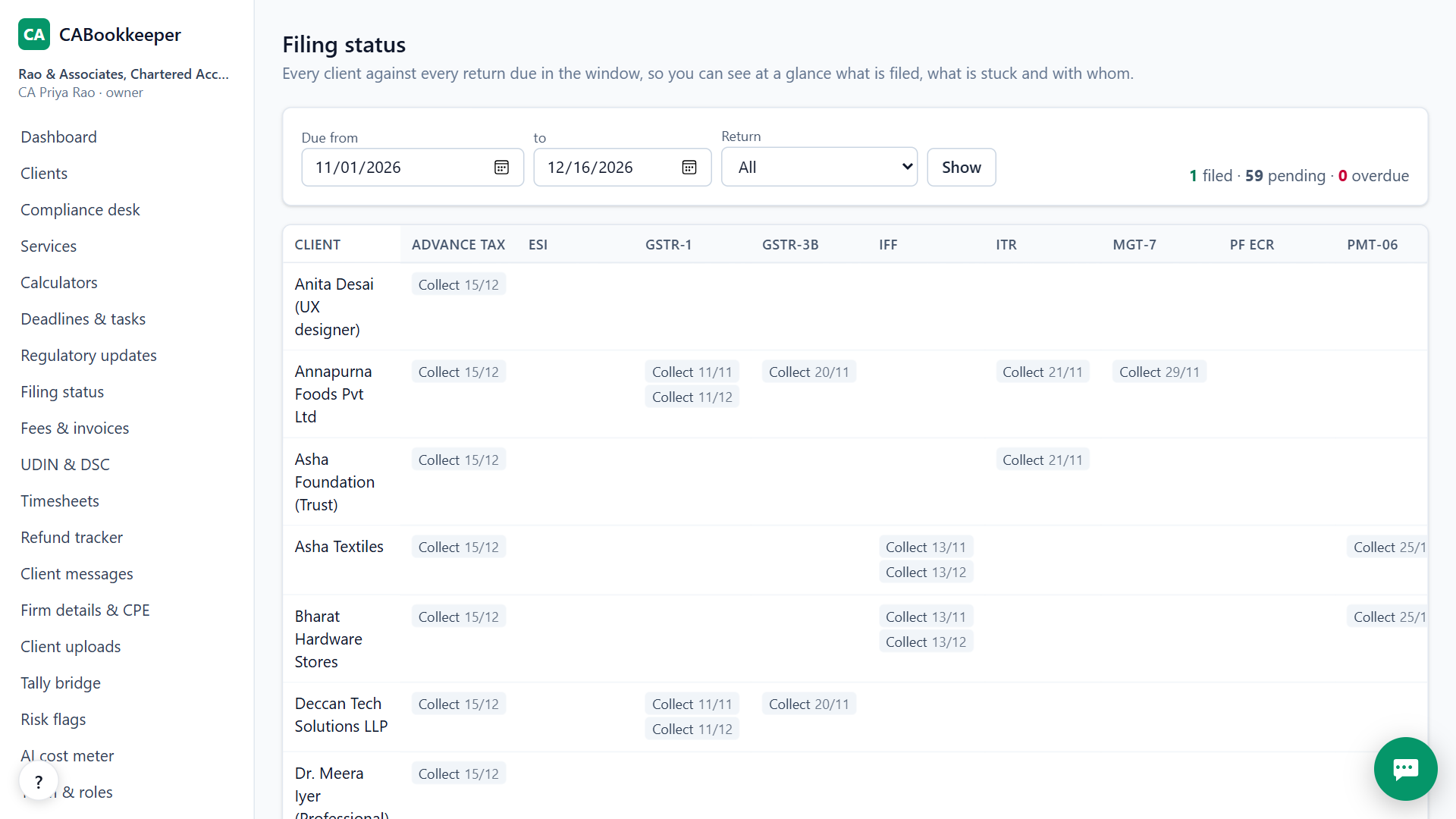
As filings are approved and filed on the compliance desk, they appear as not billed.
3. Raise and send the invoice
Pick the unbilled work, raise the invoice and send it. The invoice prints cleanly.
4. Record payments
Mark payments received; ageing shows what is overdue and reminders go out by themselves.
Know which clients cost you
Timesheets log time per client (1:30, 1.5 or 90m), billable or not, so hours by client and by person sit next to what each client pays.
How the GST on your fees is worked out
If your firm has a GSTIN, each invoice charges GST at 18% on the professional fee. When the client is in the same state as your firm, it is split into CGST and SGST; when the client is in another state, it is IGST. The client's state comes from its GSTIN. If your firm has no GSTIN, the invoice carries no GST at all.
Invoice numbers run per financial year with your prefix, for example INV/2026-27/001, and start again on 1 April.
Getting paid
Record each payment against the invoice, in full or in part. Ageing shows what is not due yet, 0–30, 31–60, 61–90 and over 90 days overdue. Overdue invoices get a reminder by email every 7 days, at most 3 times, so you don't have to chase every client yourself. An invoice with payments recorded can't be cancelled; raise a credit note instead.
When CABookkeeper is not the right tool
It isn't a full accounting system for your own firm's books; keep those in Tally. It doesn't collect fees online from your clients.
Questions
What if my firm has no GSTIN?
Invoices are raised without GST.
Can I cancel an invoice?
Yes, from the invoice.
Are UDINs tracked?
Yes, in the UDIN register; they are generated on the ICAI portal and recorded here.
Try it on your own clients.
Free for your first 3 months. Then pay only for what you use, at our cost.
Start free — 3 months on usRelated: Compliance calendar · A Suvit alternative · CABookkeeper vs Suvit / TaxOne · Pricing